The easiest way to get an OpenClaw assistant in minutes
Everyone is talking about OpenClaw, but deploying it properly and securely can be confusing. clawi.ai provides a guided setup that gets an OpenClaw instance running in minutes, with a clean UI to configure and pair your assistant.
What is OpenClaw?
OpenClaw is a personal AI assistant designed to take real actions on your behalf. It can handle tasks like inbox cleanup, sending emails, managing calendars, and more. You interact with it through chat apps such as WhatsApp or Telegram, so it fits into tools you already use.
1. Create an account
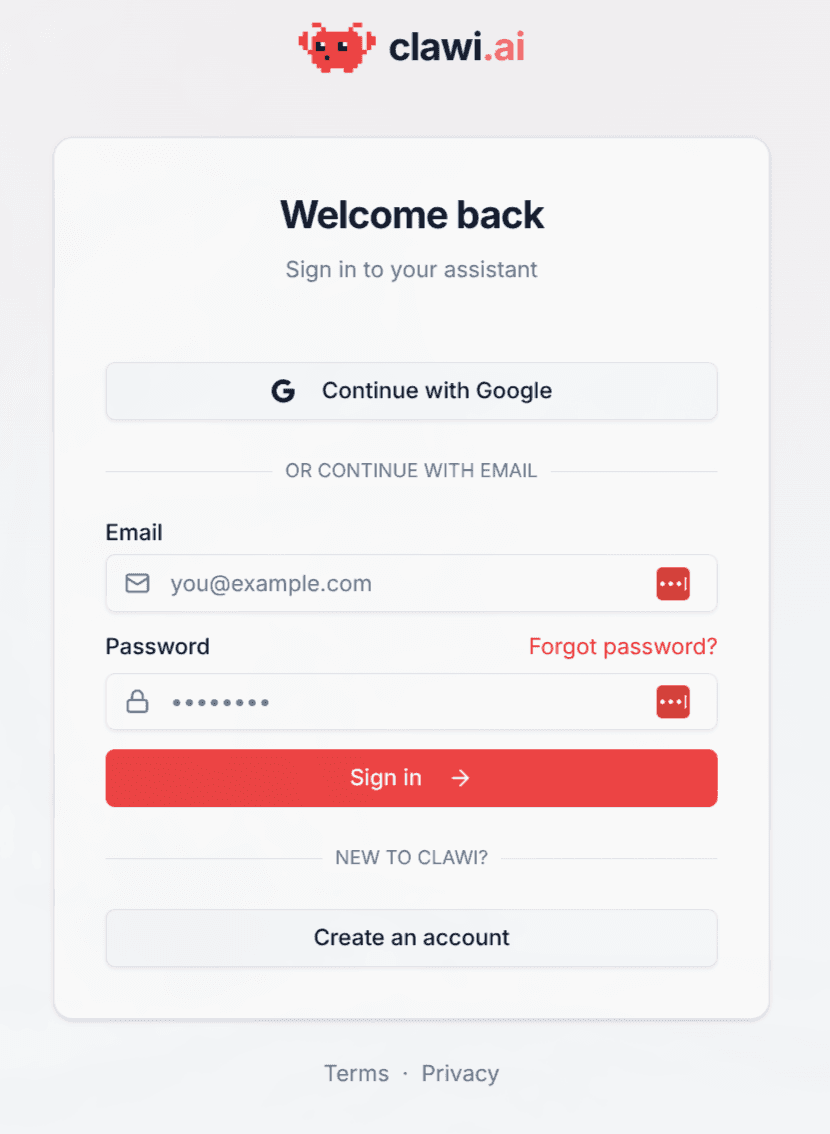
Visit https://clawi.ai and create an account. You will need to set up a payment method as well. Finally, choose the Basic plan to get started.
2. Create your first Agent
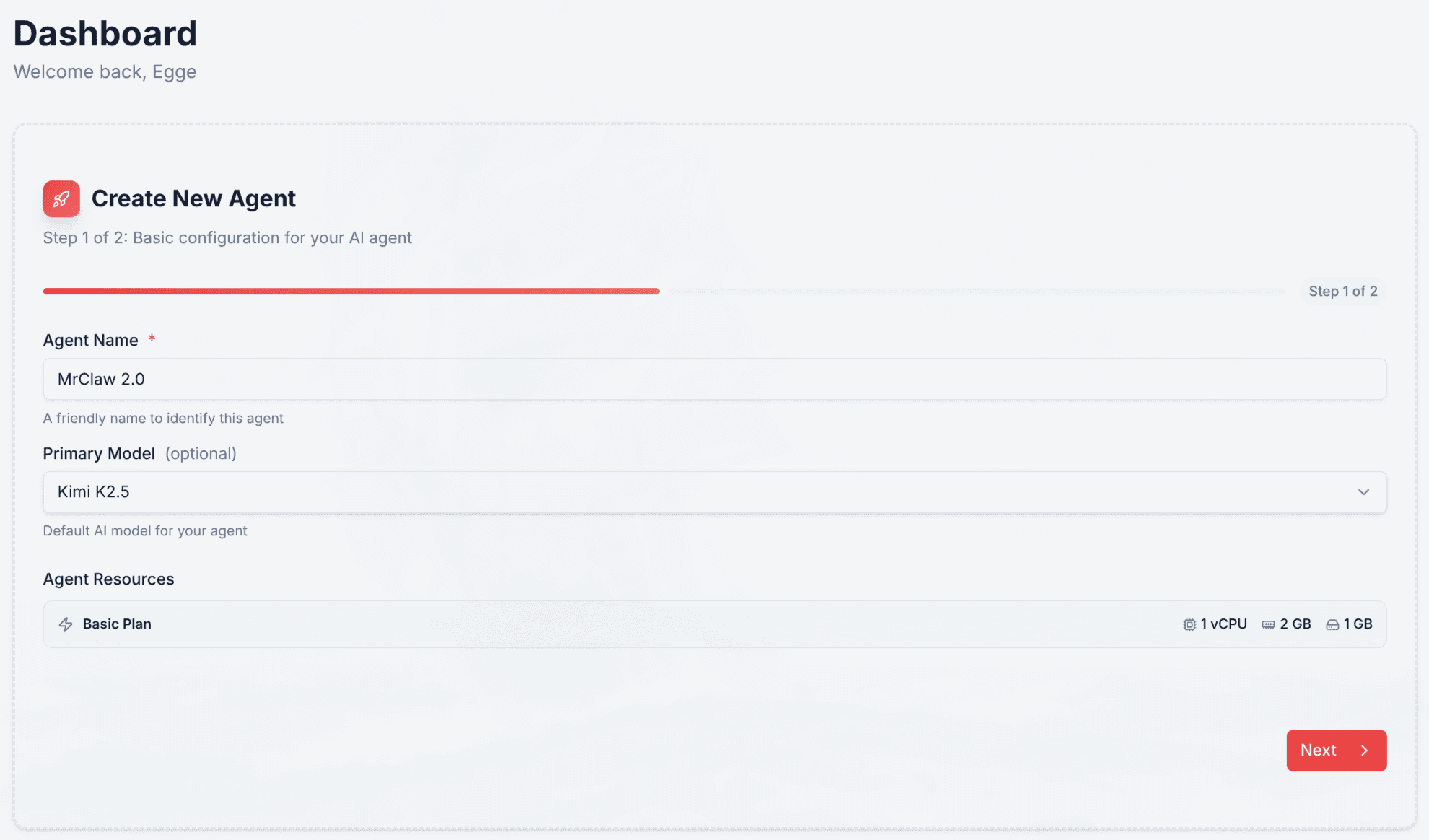
After the initial setup, create your OpenClaw agent. Choose a name and a model. Kimi K2.5 offers a strong value/price ratio.
3. Create a channel
OpenClaw communicates with you through a "Channel." Telegram is straightforward if you already have a Telegram account.
3.1 Create a Telegram Bot
For your OpenClaw to send and receive messages on Telegram, you need to create a bot. Do this by messaging the official @BotFather account on Telegram.
Type /newbot to start the wizard. Choose a name and a handle, and BotFather will return an access token.
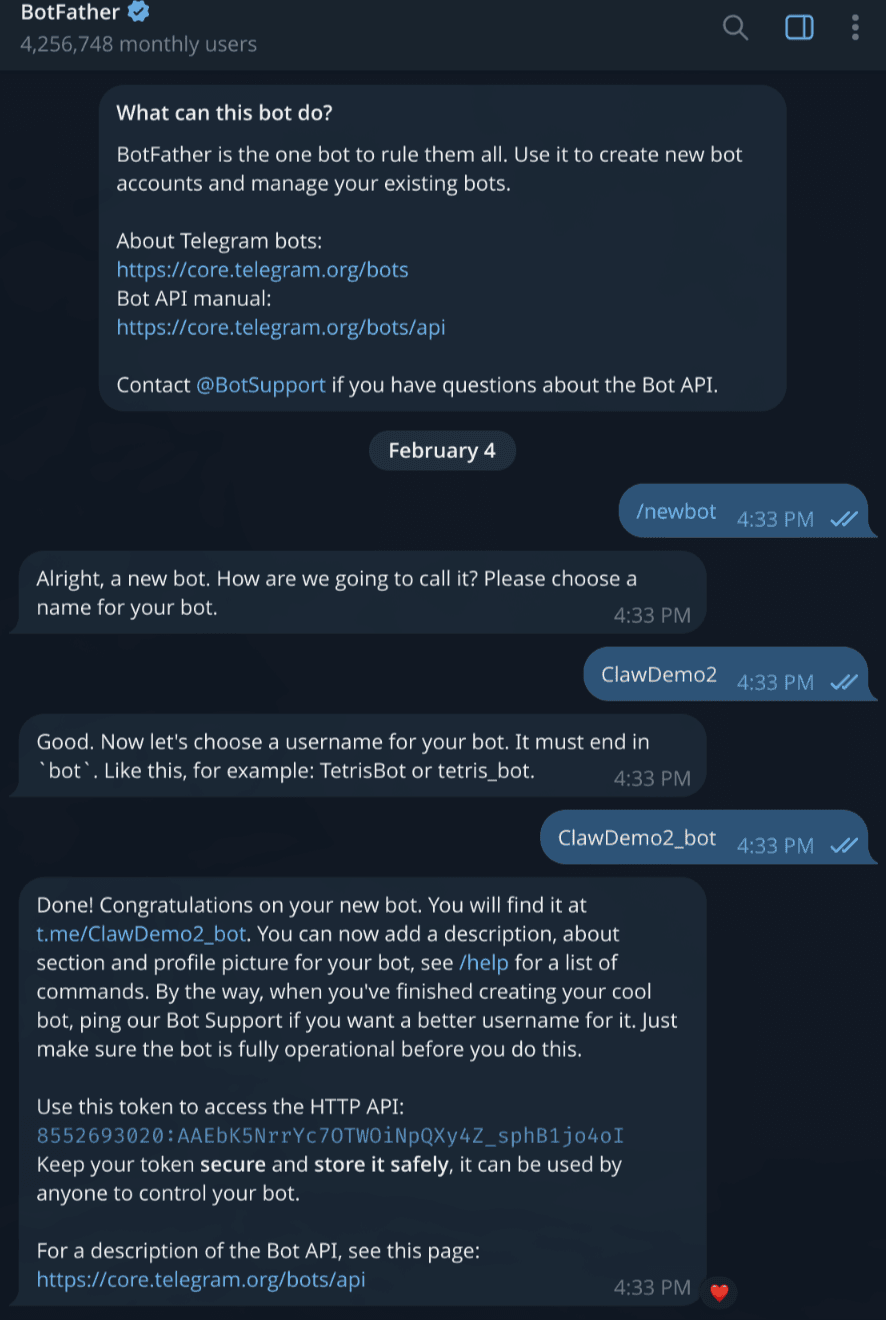
Finally, select the Telegram option in the clawi UI and paste the token you just received.
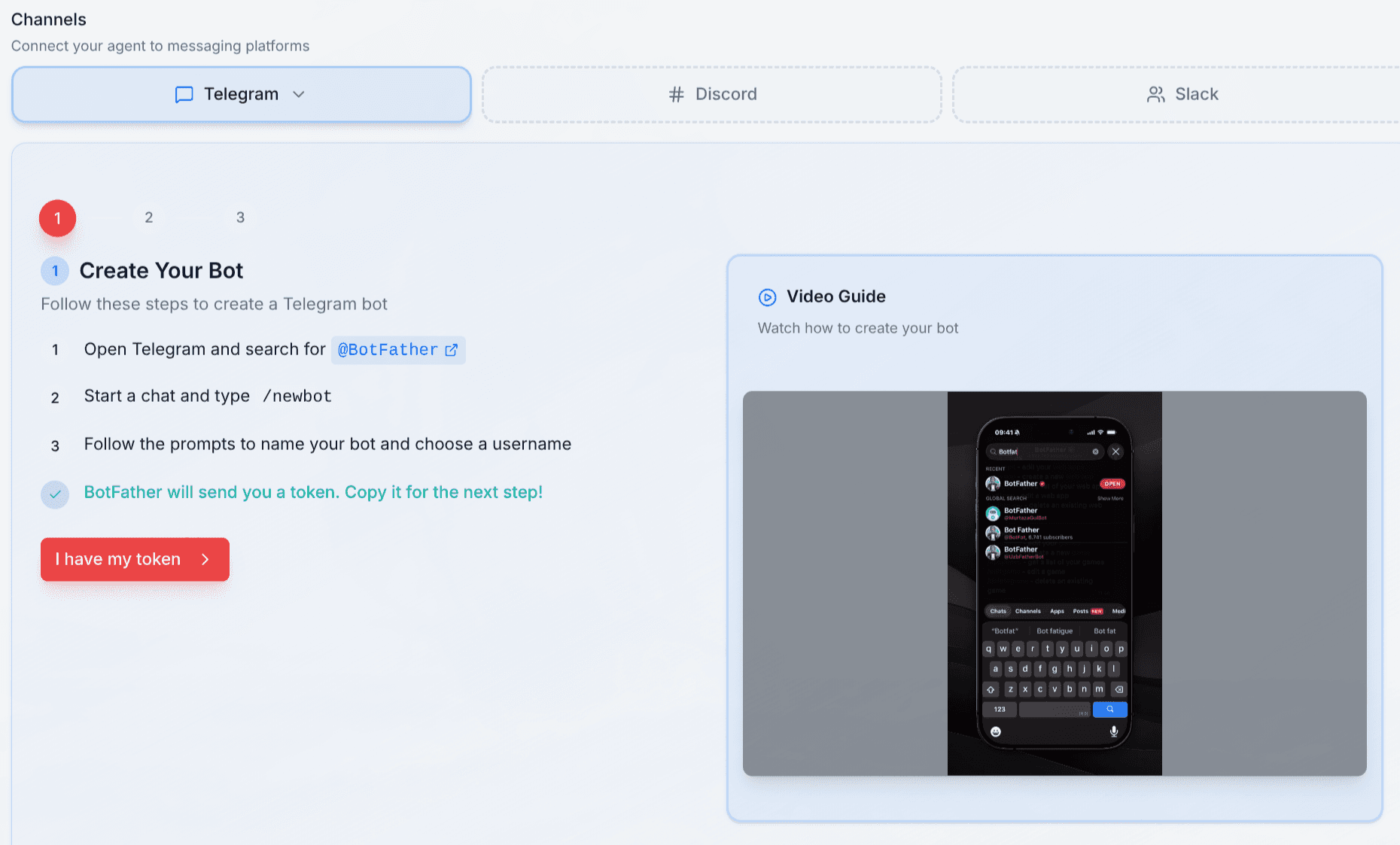
After confirmation, Clawi deploys your assistant.
4. Pairing
Deployment takes a few seconds. When it completes, click the Open button in your Clawi dashboard to access the gateway Web UI. It includes quick configuration and advanced settings for fine-tuning your assistant.
To use your bot, you now need to pair it on Telegram. OpenClaw has Pairing Protection on all channels by default so other Telegram users cannot simply talk to your bot.
To start pairing, message your bot on Telegram. It will reply that it isn't paired to your user ID and will provide a pairing token.
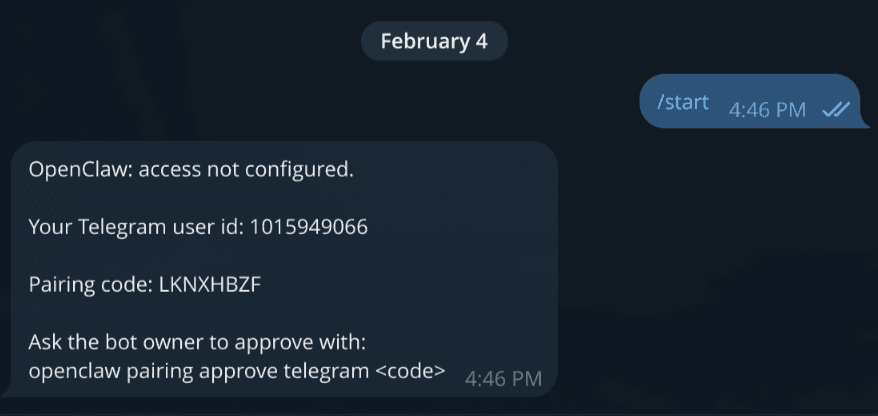
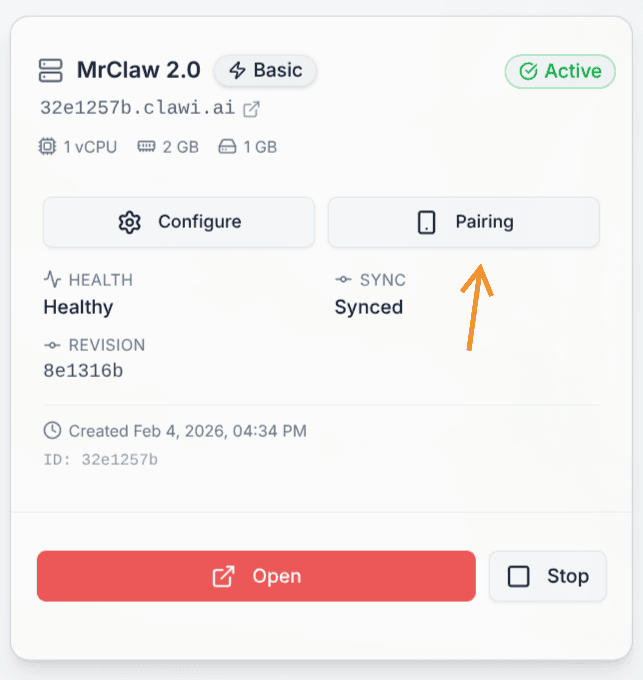
Then in your clawi dashboard, open the pairing dialog, select Telegram, and paste the token.
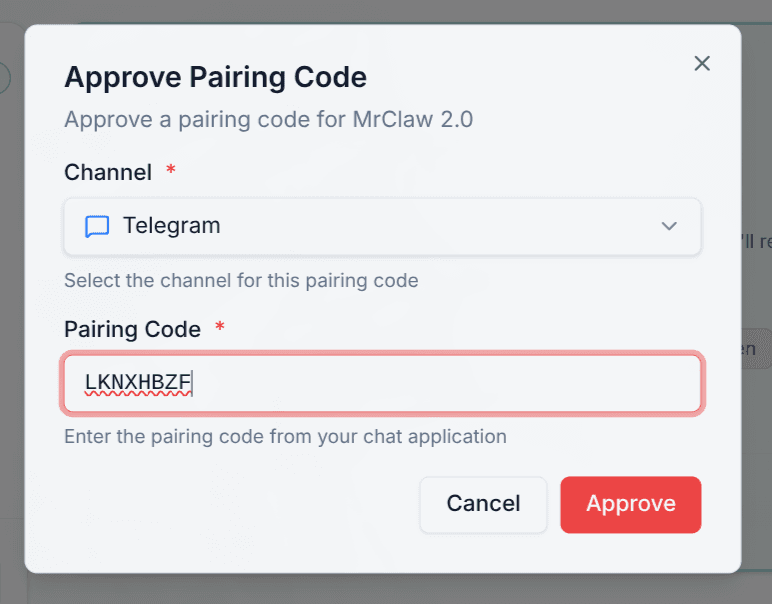
Once paired, you can start chatting with your assistant on Telegram. Your assistant is ready for daily use.