How We Automate Blog Writing and Publishing with OpenClaw
How I Automate Blog Writing and Publishing with OpenClaw
Most “AI content workflows” are either:
- vague prompt chains in a doc, or
- a no-code spaghetti monster that breaks the second you change one field.
I wanted something better: repeatable, local-first, and actually shippable.
So I built two explicit OpenClaw workflows:
- a writing workflow (research → draft → save)
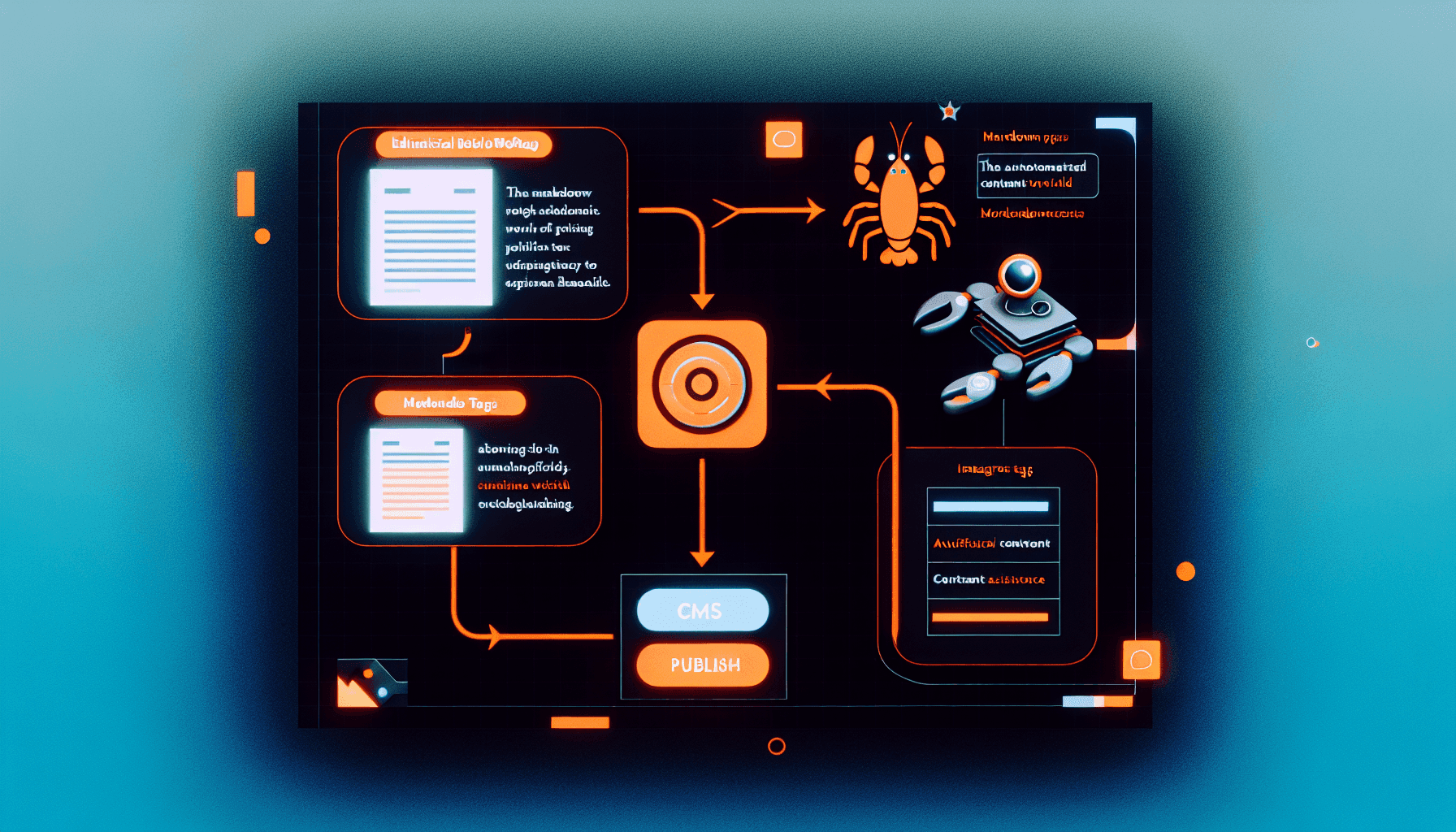
- a publishing workflow (metadata → featured image → Strapi upload → publish)
This post breaks down exactly how I run it.
Why OpenClaw for this?
OpenClaw is a self-hosted assistant gateway that can run workflows through tools, files, and skills from chat.
That matters because this isn’t “ask model, copy/paste manually.” This is a real pipeline with durable behavior:
- skills define procedure
- local files hold style + content
- tool calls execute the boring parts
- publishing happens straight to CMS
No tab chaos. No forgotten steps.
Workflow #1: Writing posts the same way every time
I created a workspace skill (my2sats-writing-workflow) with a strict sequence:
-
Do basic topic research first
- If prompt has pointers, use those
- If not, infer search/fetch targets
-
Load style guide from file
My2Sats_tone.mddefines voice, pacing, and structure
-
Write markdown draft
- skimmable sections
- practical, implementation-first tone
-
Save to
blogposts/- deterministic output path
-
Reply with filename/path
- no ambiguity about where the draft lives
That one change alone removes 80% of content workflow drift.
Workflow #2: Publish without manual CMS clicking
Then I added my2sats-publishing-workflow.
When I reference a markdown file in blogposts/, the workflow does:
- Read post content
- Generate:
- title
- slug
- 3–5 tags
- excerpt
- author (
egge)
- Generate featured image via bundled
openai-image-genskill - Upload image to Strapi media
- Create post entry in
/api/posts - Publish via Strapi v5 flow:
PUT /api/posts/{documentId}?status=published
The result: from chat prompt to published post in one run.
Real-world lessons (the useful part)
1) “Workflow” means files, not vibes
If it isn’t written into a skill + memory note, it will drift.
I pinned behavior in:
- skill files (
skills/.../SKILL.md) - style guide (
My2Sats_tone.md) - memory (
MEMORY.md) for persistent rules
That turned preferences into operating procedure.
2) CMS schemas are where automation goes to die
I hit a Strapi validation mismatch (excerpt not accepted in current model).
The pipeline still published because the workflow is explicit and debuggable. I adjusted behavior to skip unsupported fields instead of silently failing.
This is why deterministic tool-based flows beat hidden prompt-only magic.
3) Image generation needs retries by design
Image APIs will occasionally throw transient errors (503s, timeouts).
Treat featured images as a step with retry/fallback logic, not a guaranteed one-shot call.
The architecture in plain English
- Input: chat request + referenced markdown file
- Control plane: OpenClaw agent with skills
- State: workspace files + memory notes
- Execution: tool calls (fetch, image gen, upload, create, publish)
- Output: published Strapi post with media attached
Boring, explicit, robust. Exactly what you want.
Why this beats “just use ChatGPT and paste it manually”
Manual flow is fine for one post. It’s terrible for consistency, especially once you care about:
- stable tone
- reproducible metadata
- proper media handling
- zero-forgotten-step publishing
Automation wins when it’s transparent and editable. That’s what skills give you.
If you want to copy this setup
Start with these three files:
My2Sats_tone.md— your style constraintsskills/my2sats-writing-workflow/SKILL.md— draft procedureskills/my2sats-publishing-workflow/SKILL.md— publish procedure
Then wire your CMS token from a local secret file (not in prompts), and run posts from chat by referencing blogposts/*.md.
That’s it.
You now have a content system that behaves like software, not wishful thinking.